

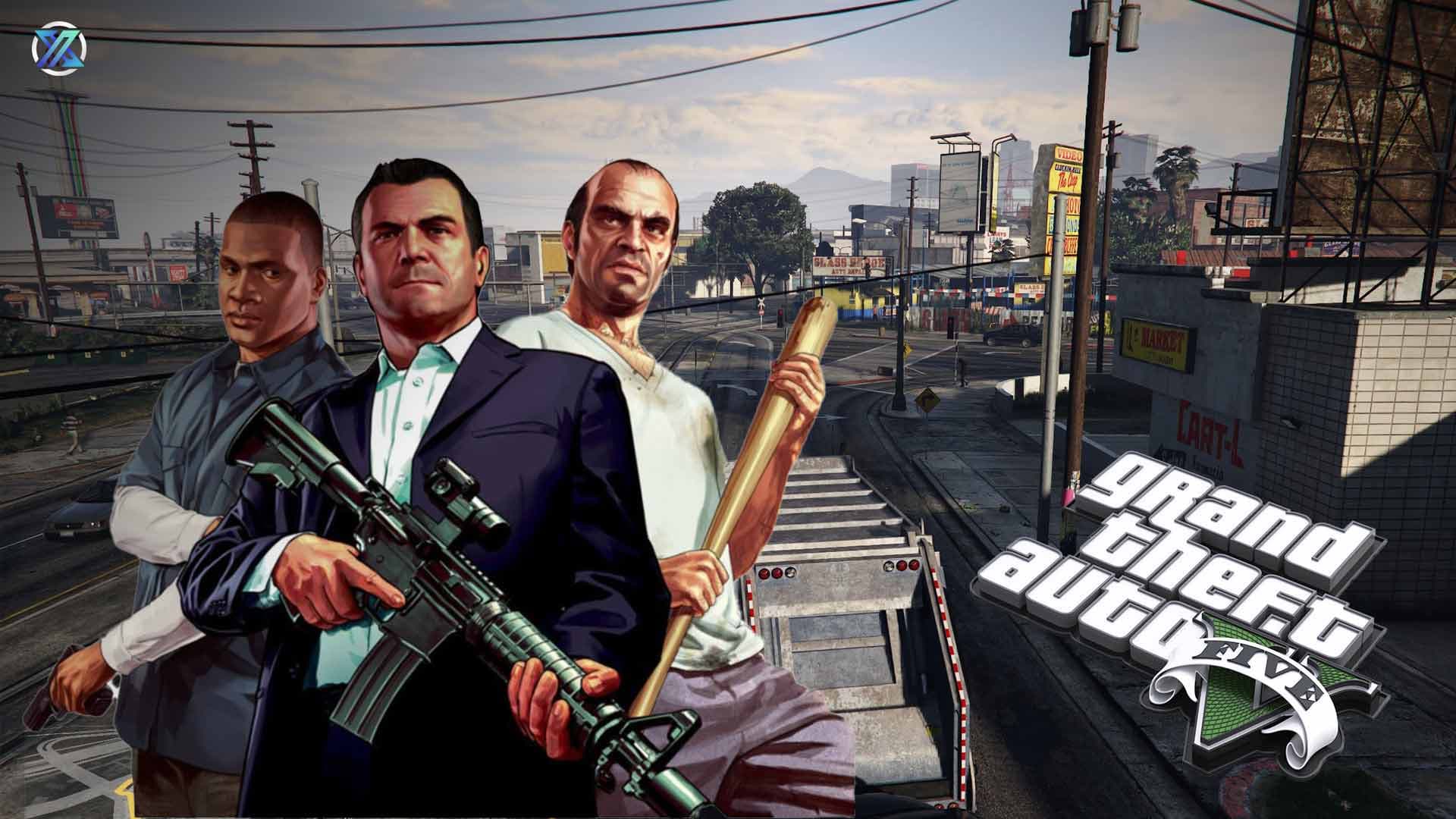
It’s 2026. We’re all just killing time in Los Santos until GTA 6 finally launches on November 19, 2026. But ever since the Expanded & Enhanced (E&E) update hit PC in March 2025, the game has become a lot heavier. If your PC currently sounds like it's trying grasp for breath just to load a texture, you're in the right place.
Here is how to perform surgery on GTA 5 like Dr Derek Shepherd from Grey's Anatomy, to get it running on hardware that’s hanging on by a thread.
How 'Low' of a Low-End PC are we talking?
Before we dive into the settings, let’s identify your hardware tier.
The 'Modern' Low-End: You have 8GB-16GB of RAM and a dedicated GPU like a GTX 1630, RX 6400, or a newer RTX 3050 laptop. You want the HSW cars, but your frame rate is stuttering like a bad radio connection.
The 'Legacy' Potato: You’re rocking 4GB-8GB of RAM and integrated graphics (Intel UHD or an old Ryzen APU). You are basically here to make sure the game doesn't crash the moment you step out of Michael’s house.
The 2026 Way of Optimization
1. AI Upscaling (The FPS Cheat Code)
The Setting : AMD FSR 3.1/4.0 (set to 'Performance') or Nvidia DLSS.
What does it do?
This renders the game at a tiny resolution and uses AI to 'guess' the details.
The In-Game Reality : Imagine driving through Legion Square at sunset. Without FSR, your screen might turn into a slideshow as the new lighting engine tries to calculate every sunbeam. With FSR on Performance, the edges of the cars might look a little "fizzy" if you squint, but you’ll actually be able to steer without hitting every other lamp post on the way.
| Feature | AMD FSR (FidelityFX Super Resolution) | NVIDIA DLSS (Deep Learning Super Sampling) |
| What is it? | A "Software-based" smart upscaler. | An "AI-powered" super upscaler. |
| Who made it? | AMD | NVIDIA |
| The "Vibe" | The People’s Champion. | The VIP Specialist. |
| Compatibility | Works on almost any PC. Even if you have an Intel or Nvidia card, you can use FSR. | Only works on NVIDIA RTX cards (20-series, 30-series, 40-series, etc.). |
2. The SSD & DirectStorage Mandate
One year into the E&E era, it’s clear: if you aren't on an SSD, you’re finished. The 2025 update introduced DirectStorage to handle high-speed asset streaming. So, here's what you should do - move the game files to an NVMe or SATA SSD.
What does it do?
This allows the game to pull data directly from storage to the GPU, bypassing the old CPU bottleneck.
The In-Game Reality : If you're on an old Hard Drive and you hop into a HSW-upgraded Coil Cyclone II, you'll move faster than the world can load. You’ll see "invisible roads" and floating buildings. On an SSD, the city stays solid no matter how fast you’re flying down the freeway.
3. Population Control (CPU Relief)
The 2025 update filled Los Santos with more NPCs and cars. On a low-end PC, that’s just more things for your CPU to choke itself on. The best way to handle it - set population density & variety to 0–10%.
What does it do?
This removes the mathematical load of calculating AI paths for 50 random pedestrians and their cars.
The In-Game Reality : Think about the 'Pacific Standard' heist. If these are high, the streets of Downtown are packed with NPCs screaming and crashing, which makes your game feel super-sluggish. At 0% variety, the streets are basically as good as empty - sort of like 'I Am Legend' vibes, but your frame timing will be rock solid throghout the getaway.
4. Texture & Shader Surgery
Believe us on this one, set both to Normal.
The In-Game Reality : When you’re in a high-speed chase with 5 stars on your head, your GPU has to load and unload textures on a constant basis. If this is set too high on a 4GB card, you’ll get "stutter-crashes" where the game freezes for a second. On Normal, the experience stays fluid even when the LSPD is literally breathing down your neck.
5. The 'Extended Texture Budget' Trick
This is the most important slider you’ve never touched, especially for 8GB/16GB RAM users. The trick? Slide this to 25–30%.
What does it do?
This tells the game it’s allowed to use your System RAM as an 'emergency overflow' for your Video RAM (VRAM).
The In-Game Reality : Ever seen a bush or a tree suddenly 'pop' into high detail right as you hit it? That's your VRAM struggling. Increasing this budget stops that 'pop-in' effect, making the world feel stable and consistent.
6. Shadows and Ray Tracing (The Final Boss)
Here's what to do - turn Ray Tracing OFF and switch Shadows to Normal.
What does it do?
Ray Tracing is the single biggest performance killer added in the March 2025 update.
The In-Game Reality : Walking through a rainy night in Vinewood with RT on looks like a neon dream, but it will cut your FPS down to half. By turning it off, you lose the fancy puddle reflections, but you gain enough 'performance legroom' to actually hit your targets in a crazy firefight.
The 2026 "Low-End Legend" Cheat Sheet for GTA V
| Setting | Value | Why it's worth it |
| Resolution | 720p | The biggest FPS jump, period. |
| Frame Scaling | 0.667x | The "emergency" boost if 720p is still laggy. |
| FSR / DLSS | Performance | Essential for 2026 "Enhanced" lighting. |
| Anisotropic Filtering | x16 | Keep this high! It makes roads look sharp and costs 0 FPS. |
| Texture Quality | Normal | Avoids "Stutter-Crashes" on 4GB VRAM cards. |
| Shader Quality | Normal | Disables the heavy 2025 "Wet Pavement" effects. |
| Population Density | 0% | Saves your CPU from an absolute meltdown. |
| Ray Tracing | OFF | If you turn this on in 2026, your PC might melt down. |
The Hard Truth for Those playing GTA V on Low End PCs in 2026
The 2025 'Enhanced' update turned GTA 5 into a much heavier beast than the game we thought we knew. If you want to play GTA V properly today on a low end PC, you have to stop getting all emotional about 'Ultra' settings and start giving priority to AI Upscaling and SSD speed. It’s the only way to keep your frame rate stable when the chaos kicks off. Fix your settings, and go reclaim the streets of Los Santos without your GPU sounding like it’s about to explode.